
01 / SHELL REDACTION
Shell redaction
Replace matched secrets in copied shell commands with local references before sharing them with an agent.
A data security firewall for the agent era.

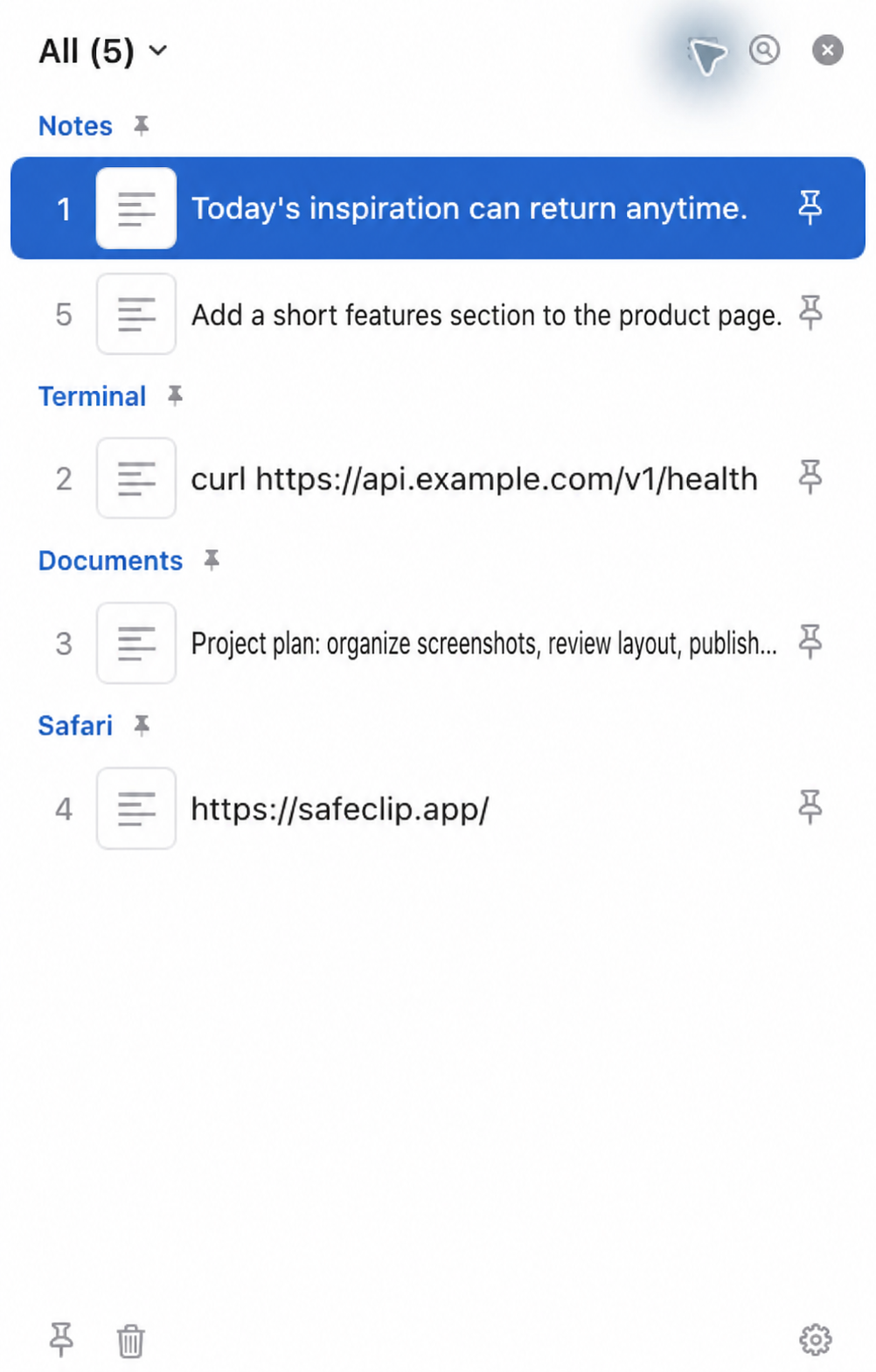
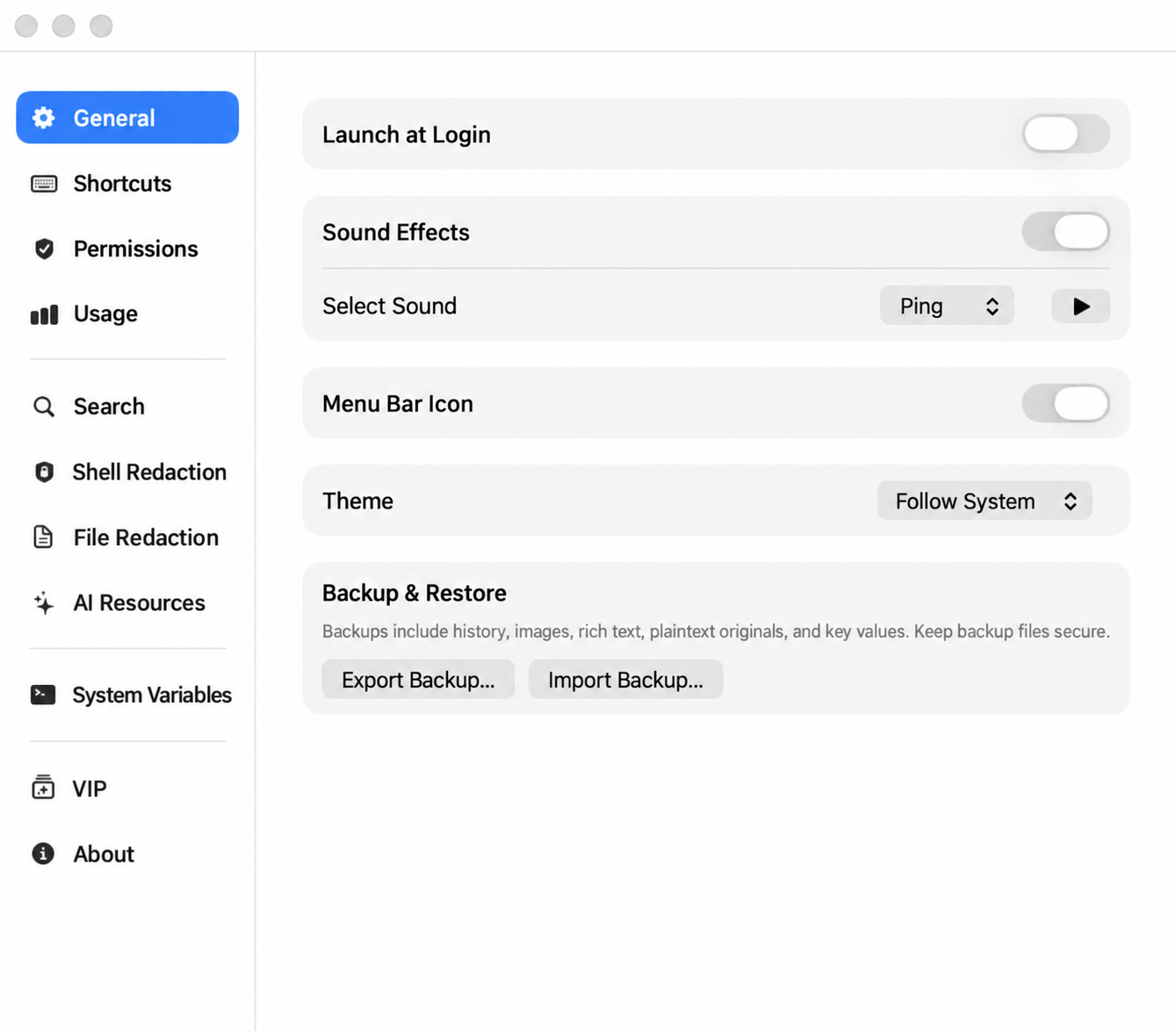
From shell commands to documents and images, SafeClip helps you find and reuse copied content. Clipboard history stays on your Mac.
Replace matched secrets in copied shell commands with local references before sharing them with an agent.
Create redacted copies of supported documents when copying them; your originals remain unchanged.
Find copied text and document names. VIP also searches supported document content and recognized text in images.
Keep a reference image, text, or file visible in a floating window.
Keep frequently used local variables in one place for quick access.
Clipboard history and rules are stored on your Mac.